onboarding with Pinterest.
onboarding with Pinterest.





01 / overview.
01 / overview.
Details are beautiful. If you're a nerd like me too, you'll love reading through this.
In this session of The Curious Lab, we will breakdown the onboarding of Pinterest and understand why it works for a $20 billion product.
Details are beautiful. If you're a nerd like me too, you'll love reading through this.
In this session of The Curious Lab, we will breakdown the onboarding of Pinterest and understand why it works for a $20 billion product.
02 / splash screen.
02 / splash screen.
Cards placed like a board view with aesthetic images with the copy saying "create a life" describe the entire product in a second. Simple, clean, no three steps swipes (and that stupid skip button) to talk about the features of the app. Just some fuel to visualize.
Cards placed like a board view with aesthetic images with the copy saying "create a life" describe the entire product in a second. Simple, clean, no three steps swipes (and that stupid skip button) to talk about the features of the app. Just some fuel to visualize.
03 / sweet details you should love.
03 / sweet details you should love.
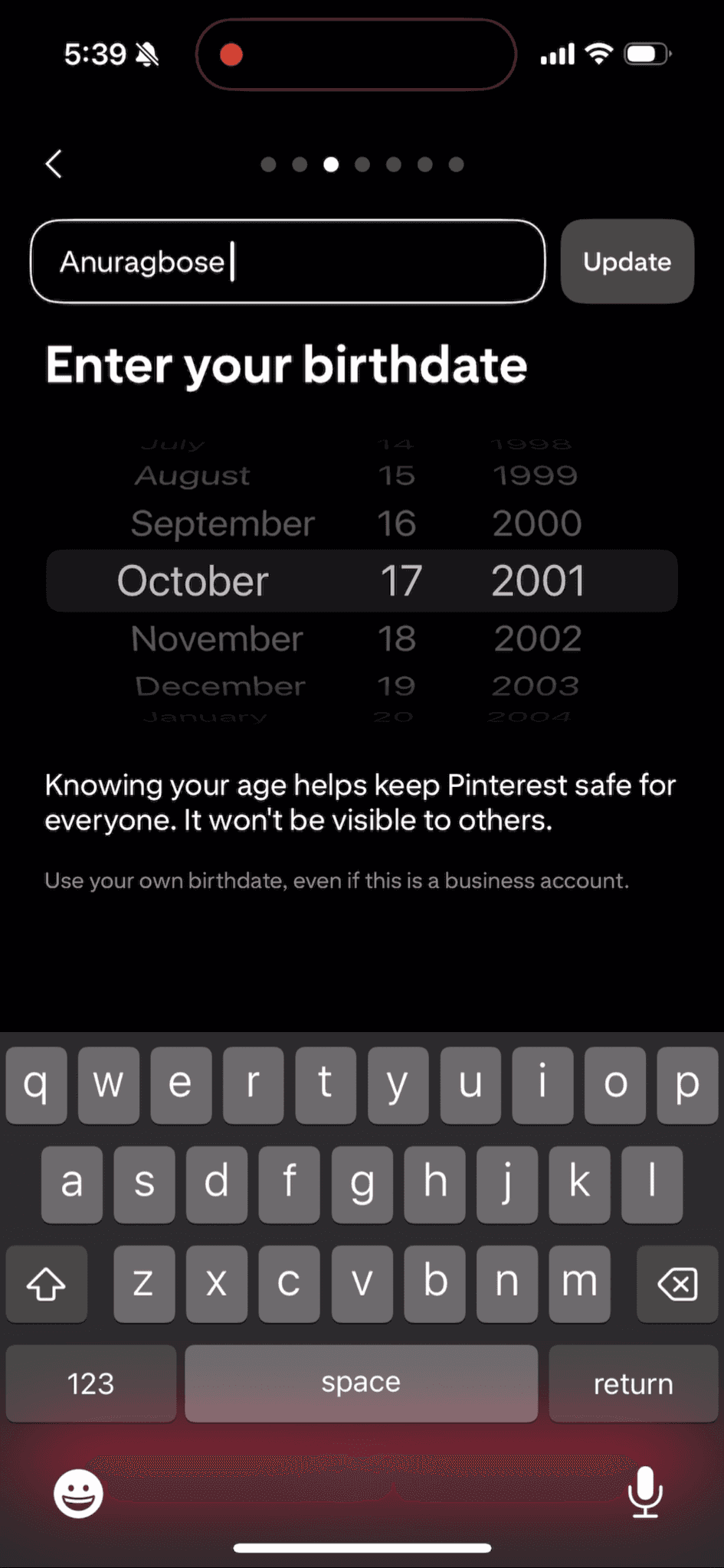
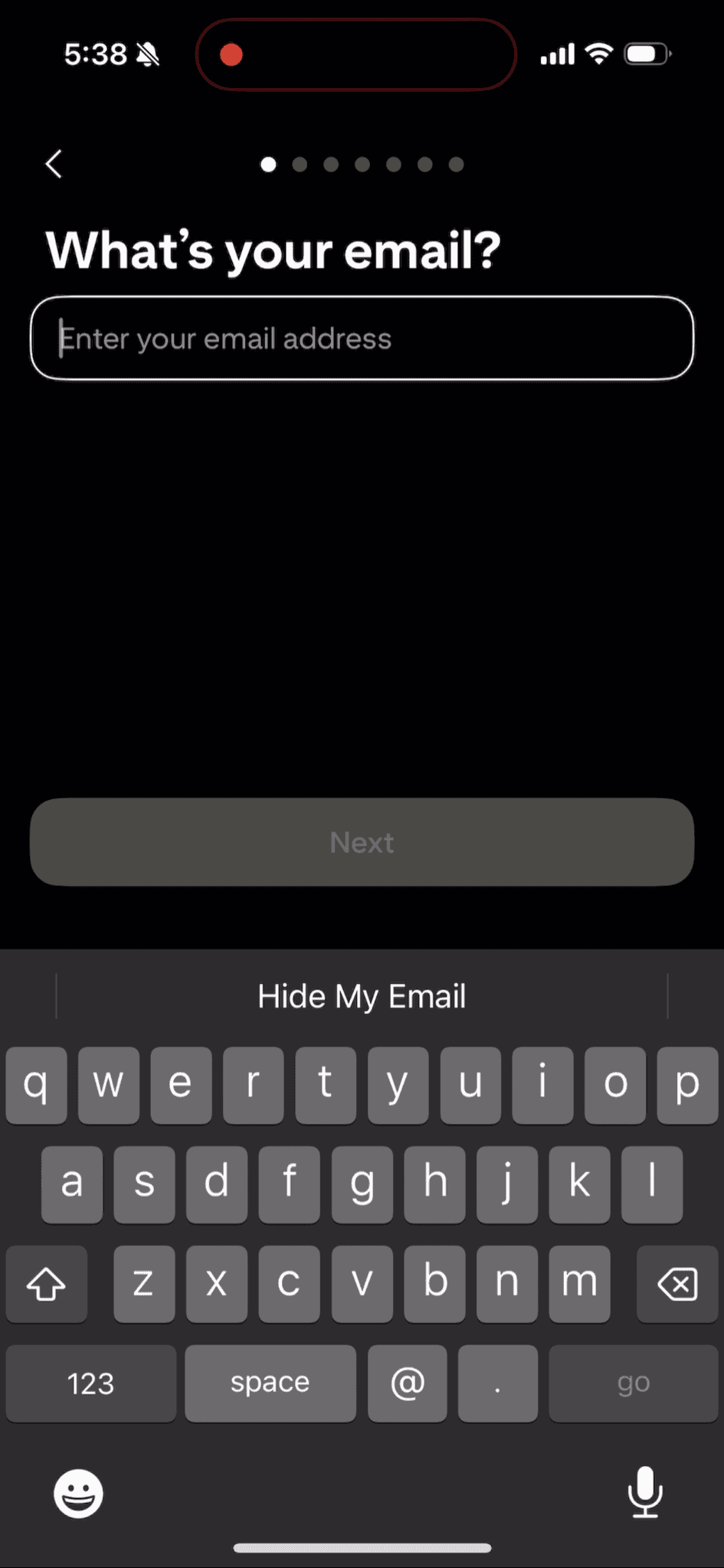
The username field was automatically filled with a default value from the email of the user. A gentle effort to set an example and reduce user effort.
The username field was automatically filled with a default value from the email of the user. A gentle effort to set an example and reduce user effort.
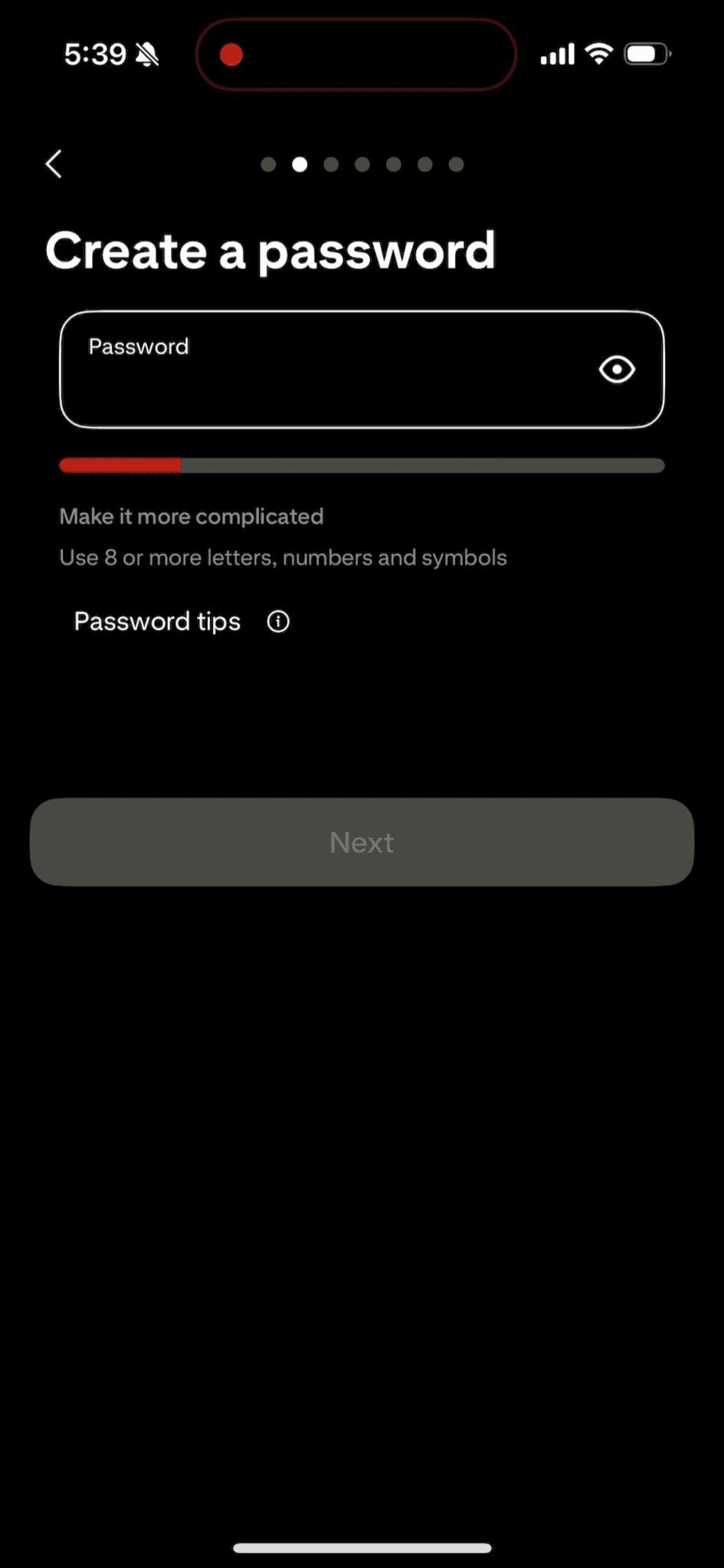

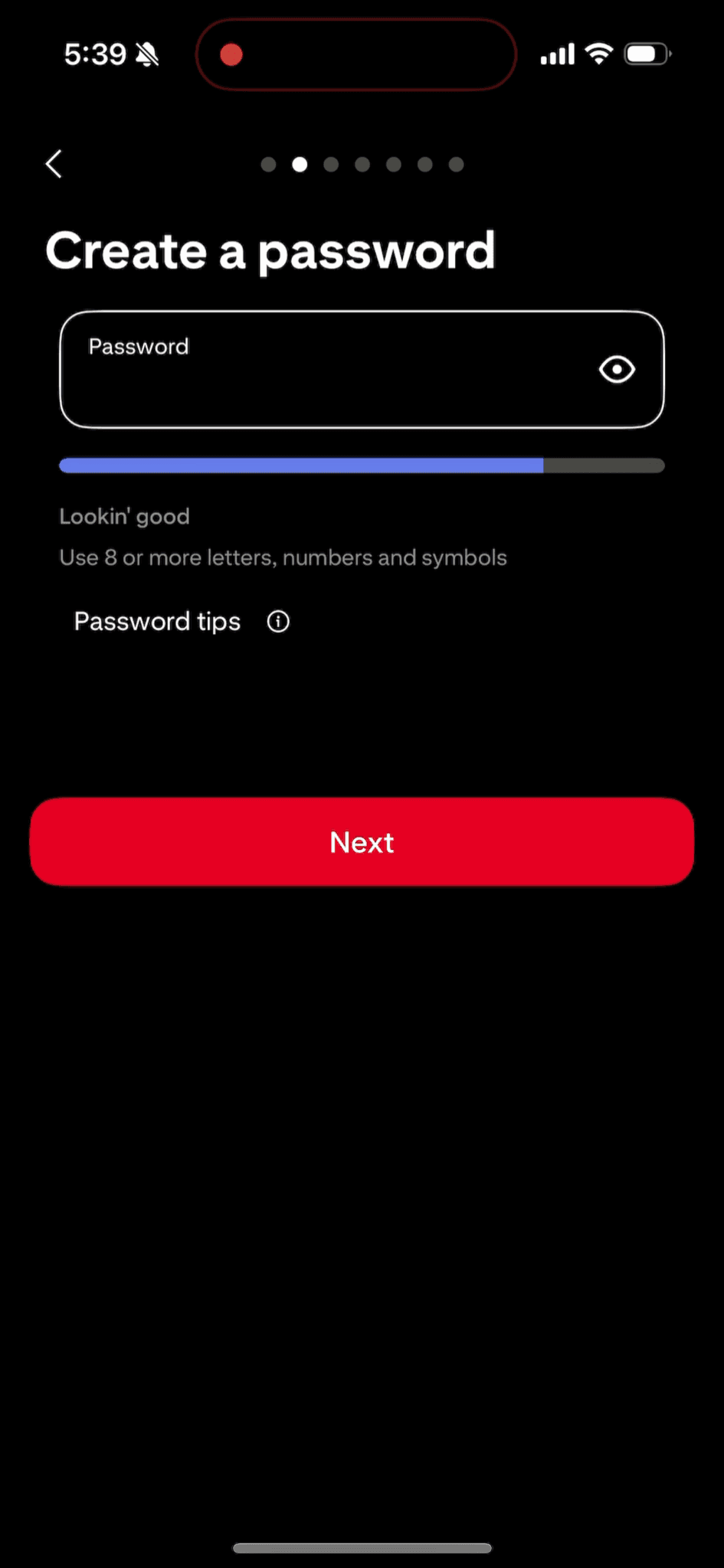
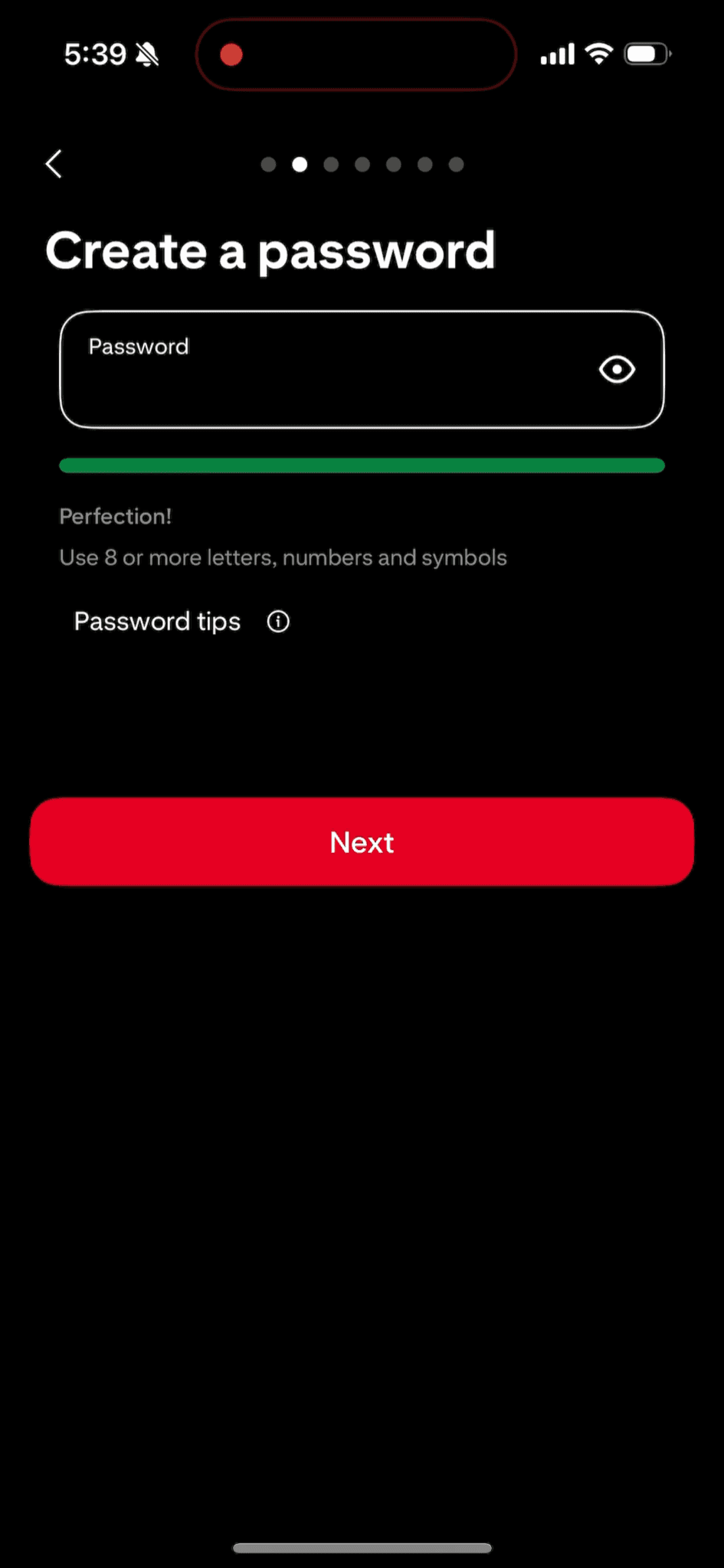
Now look at the password field. A visual indicator with a user friendly copy. Instant feedback that feels engaging.
Now look at the password field. A visual indicator with a user friendly copy. Instant feedback that feels engaging.
04 / engaging the user.
04 / engaging the user.
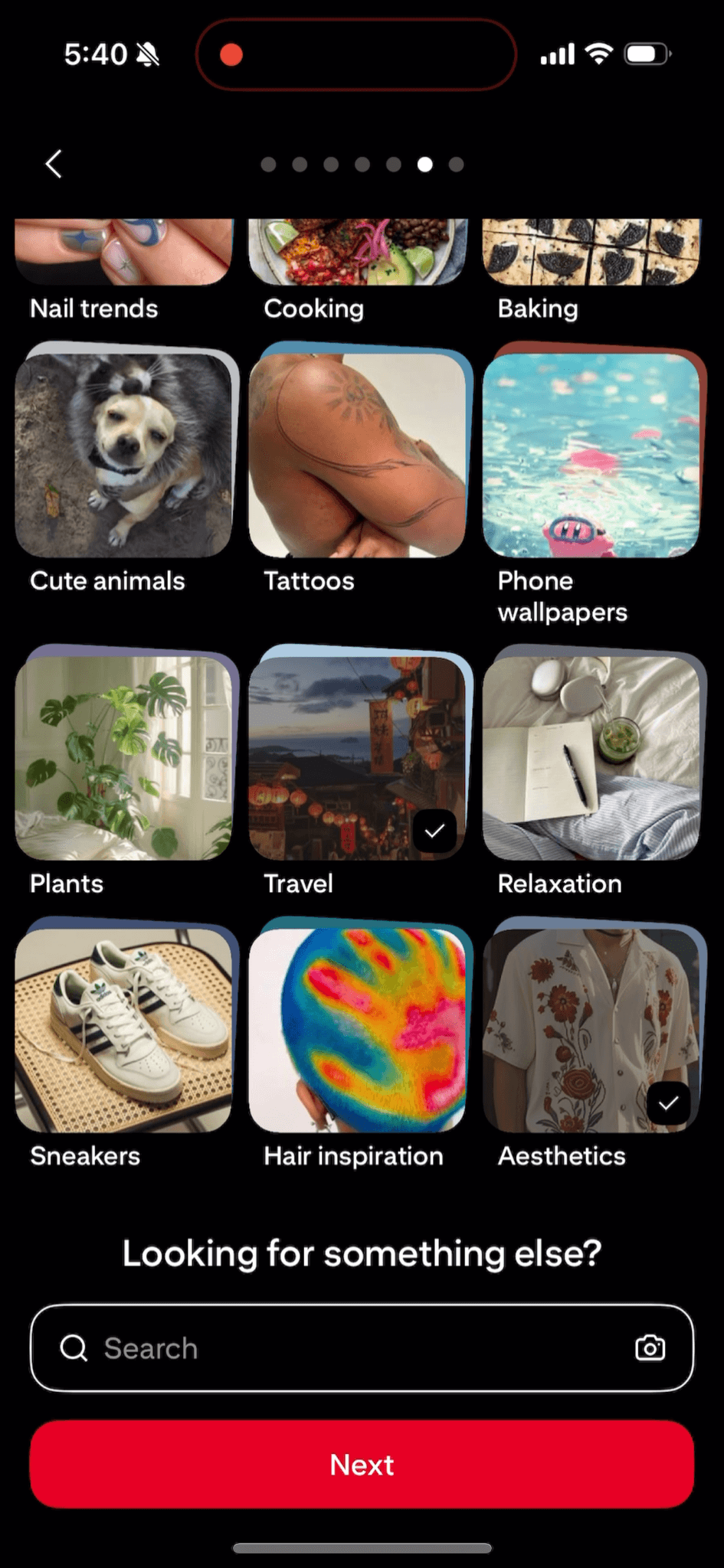

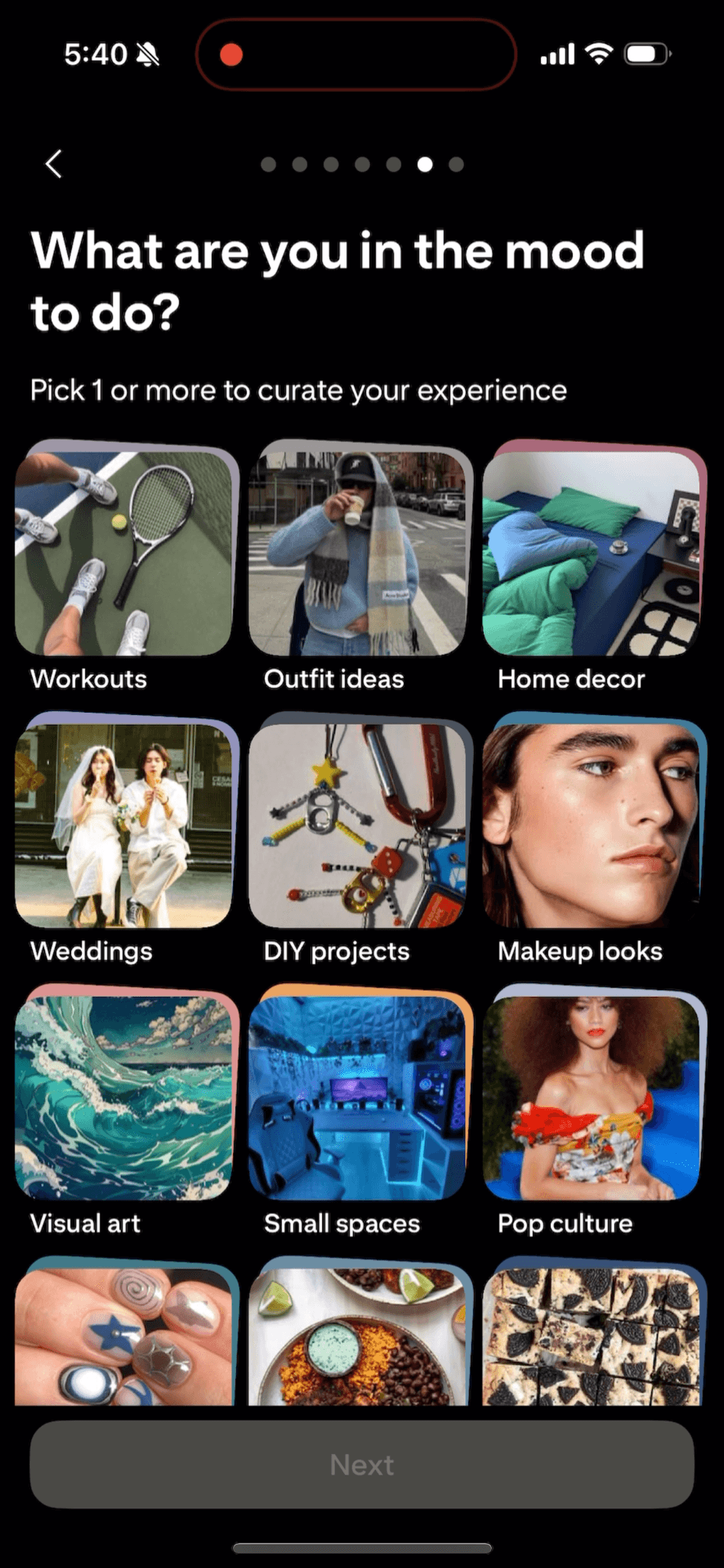
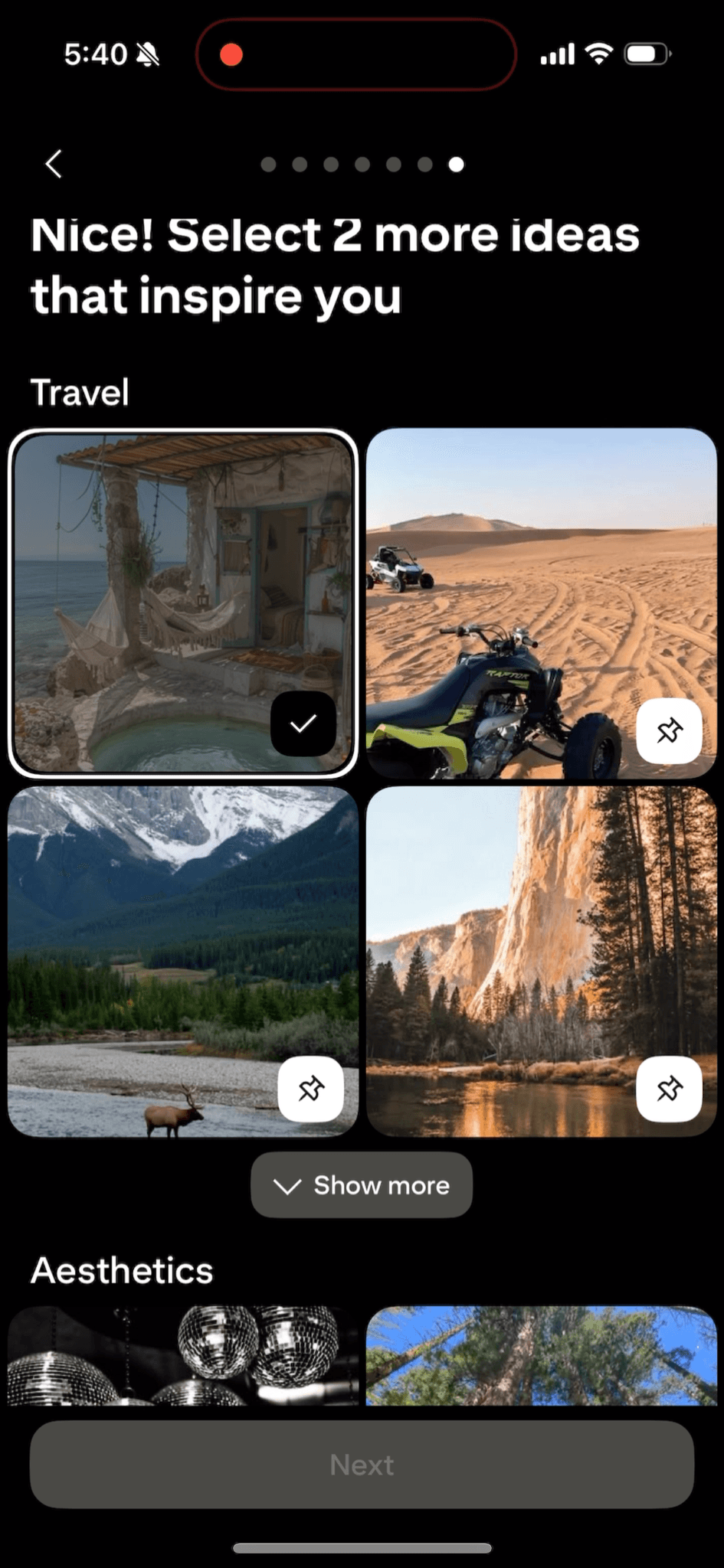
Sets the preference using visual stimuli. They could have used text based pills too but they designed it to be more visual, like Pinterest is, and so the preferences are more accurate. Also gives user the flexibility to search something else.
Further, the preferences are sub categorized. But why specifically 3? By design, user is given a goa to accomplish - find and select three pictures. It changes the thoughts of the moment from "let's just skip this and get to what the app does" to "which 3 pictures do I like here?"
Sets the preference using visual stimuli. They could have used text based pills too but they designed it to be more visual, like Pinterest is, and so the preferences are more accurate. Also gives user the flexibility to search something else.
Further, the preferences are sub categorized. But why specifically 3? By design, user is given a goa to accomplish - find and select three pictures. It changes the thoughts of the moment from "let's just skip this and get to what the app does" to "which 3 pictures do I like here?"
05 / so did we learn something?
05 / so did we learn something?
Certainly.
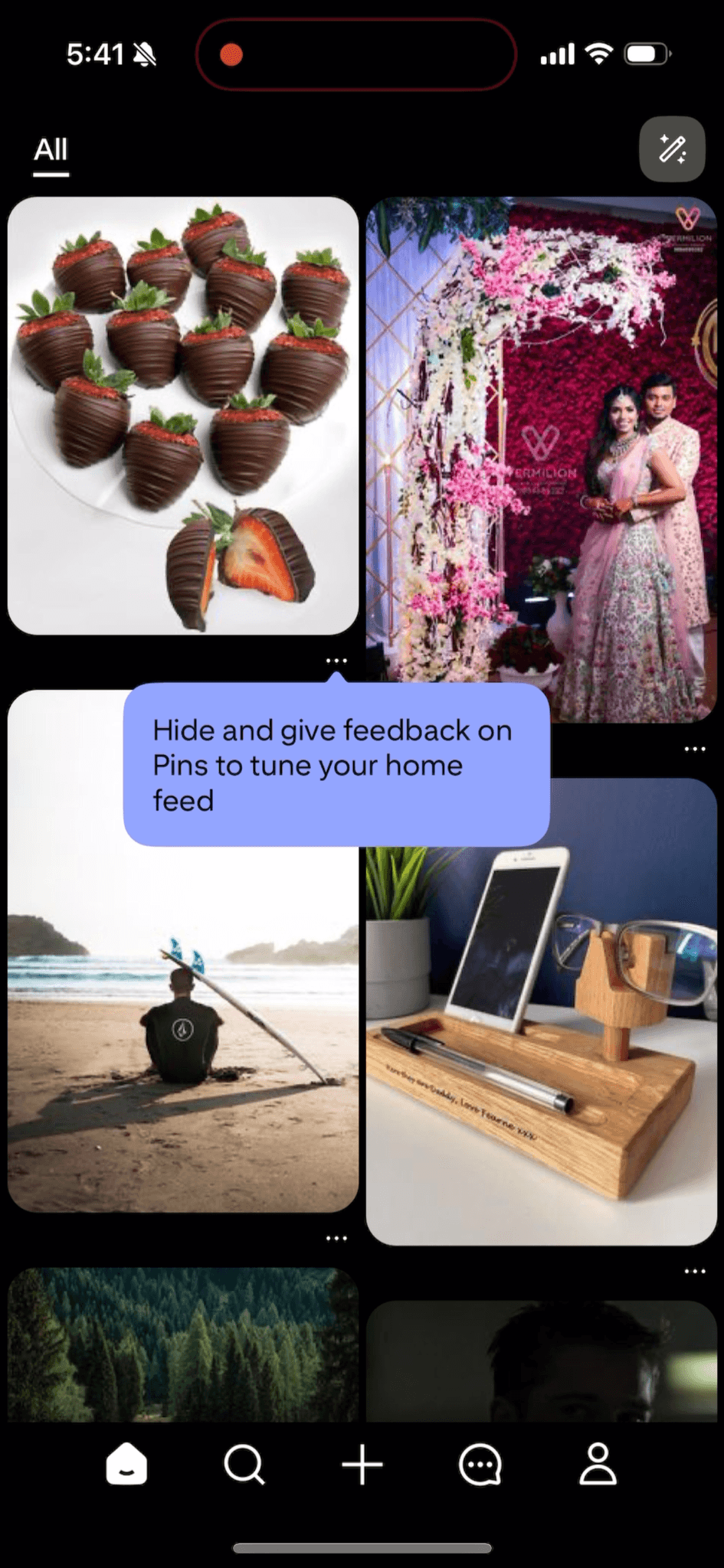
Meaningful loader - feels like the app is working to set up the feed.
Tiny details in experience - even as minute as setting the password in an interactive can change the experience
Setting a narrative - make a user journey and empathise what the user could be thinking at each step.
Certainly.
Meaningful loader - feels like the app is working to set up the feed.
Tiny details in experience - even as minute as setting the password in an interactive can change the experience
Setting a narrative - make a user journey and empathise what the user could be thinking at each step.